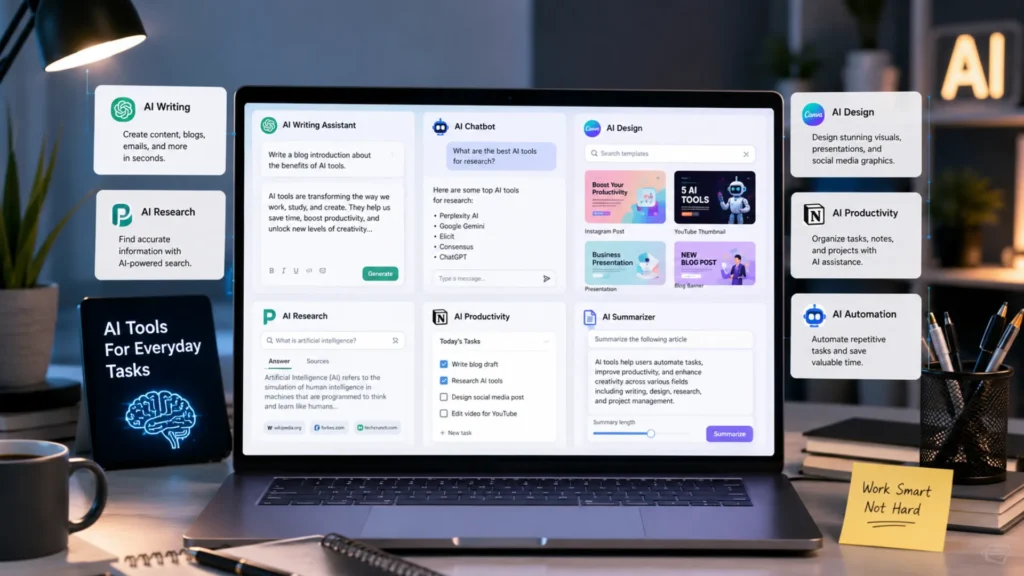
Artificial intelligence is no longer something that only tech experts use. Today, AI tools are helping people complete everyday tasks faster, easier, and more efficiently. Whether you need help writing emails, researching information, creating social media content, editing videos, organizing projects, or generating ideas, there is likely an AI tool that can help.
One of the biggest advantages of modern AI technology is accessibility. Many powerful AI platforms now offer free plans that allow users to take advantage of advanced features without spending money. This means you can improve your productivity, save time, and simplify your daily workflow without investing in expensive software.
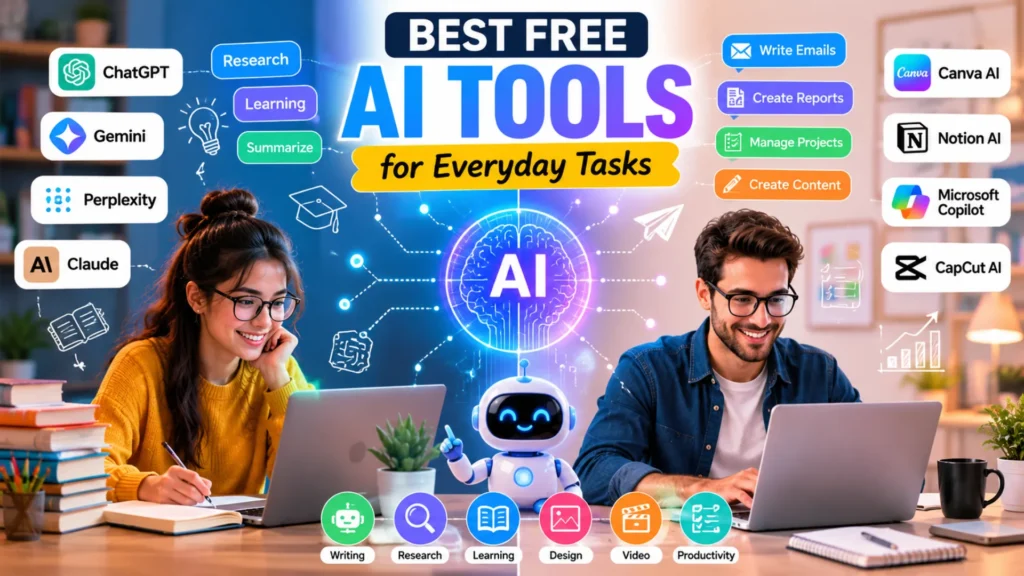
In this guide, we’ll explore the best free AI tools for everyday tasks that are available in 2026. Every tool featured in this article includes a free version, making it easy for anyone to get started. Whether you’re a student looking for study assistance, a professional trying to boost workplace productivity, a content creator searching for creative support, or a business owner aiming to streamline operations, you’ll find practical tools that fit your needs.
Table of Contents
Why More People Are Using AI for Everyday Tasks
AI tools have become a part of everyday life because they help people get things done faster and with less effort. Whether you’re a student, professional, business owner, or content creator, AI can handle repetitive tasks that would normally take a lot of time. This allows you to focus on more important work and improve your overall productivity.
One of the biggest advantages of using the Best Free AI Tools for Everyday Tasks is that they make advanced technology accessible to everyone. Even people with little technical knowledge can complete tasks more quickly and efficiently.
Key Benefits of AI Tools
- Save time on repetitive work
- Improve productivity and workflow
- Reduce manual effort in daily tasks
- Help non-experts complete tasks faster
- Increase efficiency without extra cost
AI tools can assist with a wide range of activities, including:
- Writing assistance
- Research support
- Image creation
- Task management
- Content creation
With many powerful free options available, AI is making everyday tasks simpler, faster, and more manageable than ever before.
Quick Comparison Table of the Best Free AI Tools
If you’re short on time and want a quick overview, the table below highlights some of the best free AI tools for everyday tasks. Each tool offers a free plan and is designed to help with a specific type of work, from writing and research to design and video editing.
| AI Tool | Best For | Free Plan Available | Ease of Use |
|---|---|---|---|
| ChatGPT | Writing & Ideas | Yes | Easy |
| Gemini | Research | Yes | Easy |
| Claude | Long Documents | Yes | Easy |
| Perplexity | Fact-Finding | Yes | Easy |
| Canva AI | Design | Yes | Easy |
| CapCut AI | Video Editing | Yes | Medium |
This comparison makes it easier to identify the right AI tool based on your needs. Whether you want help writing content, researching information, creating graphics, or editing videos, these free AI tools provide a great starting point without requiring a paid subscription.
Best Free AI Tools for Writing and Communication
If you regularly write emails, create content, or brainstorm ideas, AI writing tools can save a lot of time. Among the many options available today, ChatGPT and Claude stand out as two of the best free AI tools for everyday tasks related to writing and communication. Both offer powerful features, but they excel in slightly different areas.
ChatGPT
Best For: Emails, blog drafts, brainstorming
ChatGPT is one of the most popular AI writing assistants available today. It can help you write professional emails, generate blog post ideas, create outlines, and even draft complete articles. Its simple interface makes it easy for beginners to get started, while advanced users can use it for more complex writing projects.
Pros
- Easy to use
- Fast responses
- Versatile for many writing tasks
Cons
- Free version has usage limits and feature restrictions
Claude
Best For: Long-form writing and document analysis
Claude is a strong alternative for users who work with lengthy documents. It performs particularly well when summarizing reports, analyzing large files, and creating detailed long-form content. Many users also appreciate its natural and conversational writing style.
Pros
- Handles large text files efficiently
- Produces natural-sounding content
Cons
- Free plan comes with usage limits
Quick Recommendation
📌 Best Overall Writing AI: ChatGPT
📌 Best for Long Documents: Claude
If your primary goal is everyday writing, emails, and content creation, ChatGPT is usually the best choice. However, if you often work with lengthy documents or need detailed analysis, Claude may be the better option.
Best Free AI Tools for Research and Learning
When it comes to research, studying, or finding reliable information quickly, AI tools can save a lot of time. Whether you’re a student working on an assignment, a professional conducting industry research, or simply someone learning a new topic, the right AI tool can make the process much easier.
Gemini
Best For: Research and information gathering
Gemini is a useful AI tool for people who need help exploring topics, collecting information, and understanding complex subjects. Its strong connection with web-based information makes it a good choice for research-related tasks. You can use it to summarize concepts, explain difficult ideas, and gather background information on a wide range of topics.
Pros
- Strong web integration
- Good for learning topics
Cons
- Responses may require verification
Perplexity
Best For: Fast fact-checking and citations
Perplexity is designed for users who want quick answers backed by sources. Unlike many AI tools, it often provides references alongside its responses, making it easier to verify information. This feature is especially valuable when researching important topics or checking facts before publishing content.
Pros
- Provides sources
- Quick answers
Cons
- Limited advanced features on the free plan
Practical Uses
Both Gemini and Perplexity can be valuable tools for everyday learning and research tasks, including:
- Homework help and academic research
- Industry and market research
- Learning new skills and concepts
- Fact-checking articles and online content
If your goal is deep topic exploration, Gemini is a strong option. If you need fast answers with supporting sources, Perplexity is often the better choice. Using both together can help you research more efficiently while improving the accuracy of the information you find.
Best Free AI Tools for Design, Images, and Video
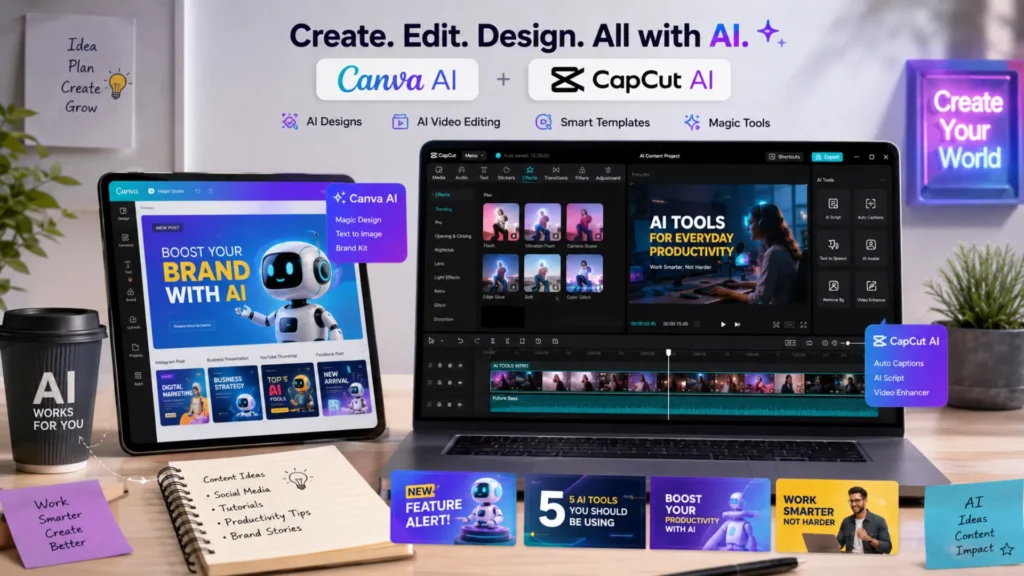
Creating professional-looking graphics and videos no longer requires advanced design skills or expensive software. Thanks to AI-powered tools, anyone can create eye-catching visuals, social media posts, presentations, and videos in just a few minutes. If you’re looking for the best free AI tools for everyday tasks related to design and content creation, Canva AI and CapCut AI are two excellent options.
Canva AI
Best For: Social media graphics and presentations
Canva AI makes design simple for beginners and professionals alike. With its drag-and-drop interface and AI-powered features, you can quickly create social media posts, presentations, flyers, and marketing materials without any design experience.
Pros
- Beginner-friendly interface
- Thousands of ready-made templates included
- Fast content and design generation
Cons
- Some advanced features and assets require a premium subscription
CapCut AI
Best For: Video editing and short-form content
CapCut AI is a popular choice for creating videos for platforms like Instagram Reels, YouTube Shorts, and TikTok. Its AI tools can help generate captions, add effects, remove backgrounds, and simplify editing tasks, making video creation faster and easier.
Pros
- Easy-to-use editing tools
- AI-powered effects and automation features
- Great for short-form video content
Cons
- Watermarks may appear on certain exports and premium features
Design & Video Tool Comparison
| Tool | Best Use | Learning Curve |
|---|---|---|
| Canva AI | Graphics | Easy |
| CapCut AI | Videos | Medium |
Both tools offer generous free plans and can significantly improve your content creation workflow. Canva AI is the better choice for graphics and presentations, while CapCut AI stands out for video editing and short-form content creation.
Best Free AI Tools for Productivity and Organization
If you want to stay organized and get more done in less time, AI productivity tools can make a big difference. From managing projects to handling daily office work, these tools help reduce manual effort and improve efficiency.
Notion AI
Best For: Notes and project management
Notion AI is a great choice for organizing information, creating task lists, and managing projects. It can summarize notes, generate content, and help you keep track of important tasks in one place. Whether you’re a student, freelancer, or business owner, Notion AI makes planning and organization much easier.
Microsoft Copilot
Best For: Everyday office tasks
Microsoft Copilot helps users work more efficiently within Microsoft applications. It can assist with writing emails, creating documents, summarizing information, and organizing data. It’s especially useful for people who regularly use Word, Excel, Outlook, and other Microsoft tools.
Common Productivity Tasks
- Taking meeting notes
- Tracking tasks and deadlines
- Creating quick summaries
- Planning projects and workflows
Pros & Cons Summary
Pros
- Better organization
- Faster workflows
- Saves time on repetitive tasks
Cons
- Some advanced features require paid upgrades
- Free plans may have usage limitations
How to Choose the Right Free AI Tool
With so many free AI tools available, choosing the right one can feel overwhelming. The best approach is to start with your primary goal. Think about what you want the tool to help you with, whether it’s writing, research, learning, design, or video creation.
You should also consider how easy the tool is to use, what limitations exist in the free plan, and whether it meets your privacy requirements. Another important factor is integration with the tools you already use, which can make your workflow much smoother.
Quick Decision Guide
- Writing: ChatGPT
- Research: Perplexity
- Learning: Gemini
- Design: Canva AI
- Video: CapCut AI
By focusing on your specific needs, you can quickly find the best free AI tool for everyday tasks and get the most value from its free features.
Frequently Asked Questions
Yes, free AI tools are worth using for most everyday tasks. They can help with writing, research, design, productivity, and learning without any upfront cost, making them ideal for beginners and casual users.
Several AI tools offer generous free plans, but availability can change over time. Tools like ChatGPT, Gemini, Perplexity, and Canva AI provide free access to many useful features for everyday use.
The best AI tool for students depends on their needs. ChatGPT is great for explanations and writing help, while Gemini and Perplexity are useful for research, learning new topics, and finding information quickly.
Free AI tools can handle many common tasks effectively, but paid versions usually offer advanced features, higher usage limits, and better integrations. For most users, free plans are often enough for daily needs.
Final Verdict
The best free AI tools for everyday tasks can save time, improve productivity, and make daily work much easier. If you’re looking for an all-around assistant, ChatGPT is the best overall choice. For research and fact-finding, Perplexity stands out with its source-backed answers. Gemini is a great option for learning and exploring new topics, while Canva AI makes design simple for beginners and professionals alike. If video creation is your priority, CapCut AI offers powerful editing features at no cost.
The best approach is to try 2–3 tools and see which ones fit naturally into your daily routine. Every user has different needs, so the right AI tool is the one that helps you work smarter, faster, and more efficiently.