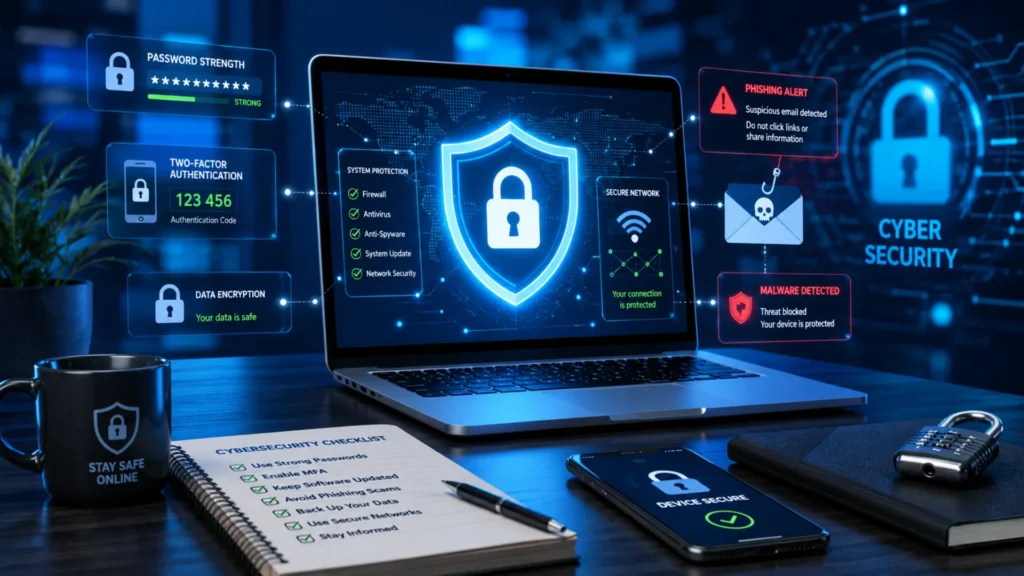
Cybersecurity threats are growing faster than ever, affecting individuals, businesses, and organizations of all sizes. From phishing scams and ransomware attacks to account takeovers and data breaches, cybercriminals are constantly finding new ways to exploit weaknesses.
What makes these threats even more concerning is that many security incidents happen because of simple, avoidable mistakes. Using weak passwords, ignoring software updates, or clicking on suspicious links can create opportunities for attackers to access sensitive information.
The good news is that preventing cyberattacks is often much easier and less expensive than recovering from one. In this guide, you’ll learn some of the most common cybersecurity mistakes and how to avoid them, helping you protect your data, accounts, and online privacy more effectively.
Table of Contents
Common Cybersecurity Mistakes at a Glance
Many cyberattacks happen because of simple security mistakes that are easy to overlook. Understanding these common cybersecurity mistakes can help you identify weak points and take action before they become serious problems. The table below provides a quick overview of the most common risks, their potential impact, and how difficult they are to fix.
| Mistake | Potential Risk | Difficulty to Fix |
|---|---|---|
| Weak Passwords | Account Hacking | Easy |
| No MFA | Unauthorized Access | Easy |
| Ignoring Updates | Malware Infection | Easy |
| Falling for Phishing | Data Theft | Medium |
| Unsafe Downloads | Malware/Ransomware | Easy |
| Poor Backup Strategy | Data Loss | Medium |
| Public Wi-Fi Misuse | Information Exposure | Easy |
While most of these issues are easy to prevent, they can cause significant damage if ignored. In the following sections, we’ll look at each mistake in more detail and explain the practical steps you can take to stay protected online.
Mistake #1: Using Weak or Reused Passwords
Why Weak Passwords Are a Major Security Risk
One of the most common cybersecurity mistakes people make is using weak or reused passwords. Cybercriminals use automated password-cracking tools that can guess simple passwords within seconds. Passwords such as “123456,” “password,” or personal details are especially easy targets.
Another major threat is credential stuffing. This happens when attackers use usernames and passwords leaked from one website to access accounts on other platforms. If you reuse the same password across multiple accounts, a single data breach can put all your accounts at risk.
The real-world impact can be serious, including hacked email accounts, stolen personal information, financial loss, and identity theft.
How to Avoid This Mistake
- Use long, unique passwords for every account.
- Avoid personal information such as names, birthdays, or phone numbers.
- Use a password manager to create and store secure passwords.
- Change compromised passwords immediately after a security incident.
Quick Tip: Use passphrases instead of short passwords. A phrase made up of several random words is usually easier to remember and much harder for attackers to crack.
Mistake #2: Not Enabling Multi-Factor Authentication (MFA)
What Happens Without MFA
Many people rely only on a password to protect their accounts. The problem is that passwords can be stolen through phishing emails, data breaches, malware, or weak security practices. When Multi-Factor Authentication (MFA) is not enabled, a stolen password may be all a cybercriminal needs to gain access to your account.
This can lead to unauthorized access to sensitive information, financial loss, identity theft, or even complete account takeover. Adding an extra layer of security makes it much harder for attackers to break in, even if they already know your password.
Best MFA Practices
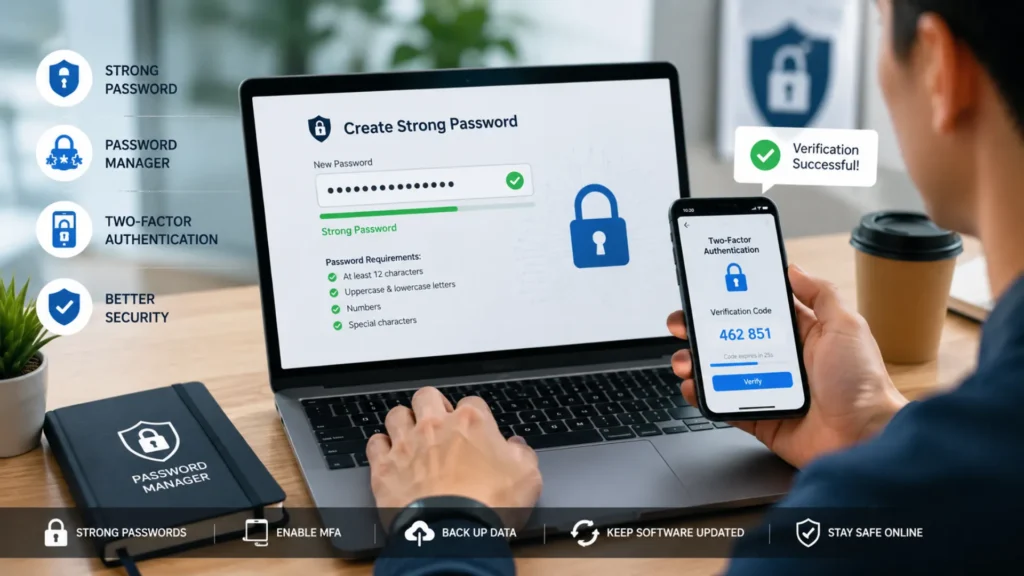
To get the most protection from MFA, follow these simple best practices:
- Enable MFA on all email accounts, as they are often connected to other important services.
- Protect banking, payment, and cloud storage accounts with MFA whenever possible.
- Use authentication apps instead of SMS verification when available, as they provide stronger security.
- Review your account security settings regularly to ensure MFA remains active.
Taking a few minutes to enable MFA can significantly reduce your risk of becoming a victim of cybercrime.
Mistake #3: Ignoring Software and Security Updates
Why Updates Matter
One of the most common cybersecurity mistakes is ignoring software and security updates. Many people postpone updates because they seem inconvenient, but doing so can leave devices exposed to serious security risks. Software updates often include security patches that fix vulnerabilities discovered by developers.
Cybercriminals actively look for outdated software because known weaknesses are easier to exploit. Whether it’s your operating system, web browser, or mobile apps, running older versions can make it easier for attackers to gain access to your data or install malware.
How to Stay Updated
Keeping your software current is one of the simplest ways to improve your online security:
- Enable automatic updates whenever possible.
- Regularly update web browsers, plugins, and installed applications.
- Remove unsupported or outdated software that no longer receives security patches.
A few minutes spent updating today can help prevent major cybersecurity problems tomorrow.
Here’s the section written according to your outline and word count requirements:
Mistake #4: Falling for Phishing and Social Engineering Attacks
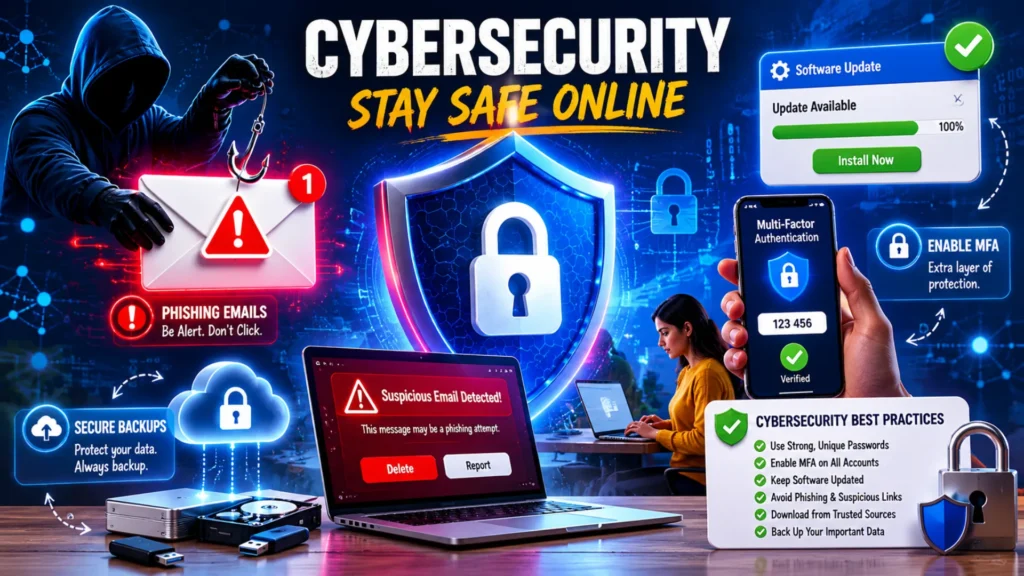
Phishing and social engineering attacks are among the most common cybersecurity threats today. Cybercriminals often trick people into sharing passwords, financial details, or other sensitive information by pretending to be trusted organizations or contacts. These attacks can happen through emails, text messages, social media, or even phone calls.
Common Signs of Phishing Attempts
Watch out for these warning signs:
- Urgent language that pressures you to act immediately
- Suspicious links that lead to unfamiliar websites
- Unexpected attachments from unknown senders
- Requests for sensitive information such as passwords or banking details
How to Protect Yourself
The best defense against phishing attacks is staying alert. Always verify the sender’s identity before responding to any unexpected message. Avoid clicking unknown links, even if the message appears legitimate. If you receive a suspicious email, report it to your email provider or IT team and delete it immediately. Taking these simple precautions can significantly reduce your risk of becoming a victim of cybercrime.
Mistake #5: Downloading Files or Apps from Untrusted Sources
Risks of Unsafe Downloads
Downloading software, apps, or files from unknown websites can expose your device to serious security threats. Cybercriminals often hide harmful programs inside files that appear safe or useful. Once installed, these threats can compromise your data and system security.
- Malware: Malicious software that can damage your device, steal information, or disrupt normal operations.
- Spyware: Programs designed to secretly monitor your activities and collect sensitive data such as passwords or financial details.
- Ransomware: A type of malware that locks your files or device and demands payment to restore access.
Safe Download Practices
To reduce the risk of infection, follow these simple safety measures:
- Download apps and files only from official websites or trusted app stores.
- Check user reviews, ratings, and publisher information before downloading.
- Scan files with reliable antivirus software before opening or installing them.
Mistake #6: Neglecting Data Backups
Why Backups Are Essential
One of the most common cybersecurity mistakes people make is assuming their data is always safe. In reality, files can be lost due to ransomware attacks, accidental deletion, hardware failure, or system crashes. Without a recent backup, recovering important documents, photos, customer information, or business records can be difficult or even impossible.
Backups also play a critical role in business continuity. If a cyberattack or technical issue disrupts your systems, having secure copies of your data allows you to restore operations quickly and minimize downtime. Whether you’re an individual user or a business owner, regular backups provide an extra layer of protection against unexpected data loss.
Recommended Backup Strategy
To keep your data secure, follow these backup best practices:
- Cloud backup: Store important files in a trusted cloud storage service for easy access and recovery.
- External hard drive backup: Keep an offline copy of critical data on an external drive for added protection.
- Automated backup schedules: Set backups to run automatically so you don’t forget to create them regularly.
Pros and Cons of Common Cybersecurity Tools (80–100 Words)
Table: Security Solutions Comparison
| Security Tool | Pros | Cons |
|---|---|---|
| Password Manager | Strong password storage | Learning curve |
| MFA App | Extra protection | Requires device access |
| Antivirus Software | Detects threats | Can affect performance |
| VPN | Protects public Wi-Fi use | Subscription cost |
Purpose: Help readers choose security tools wisely.
Cybersecurity Best Practices Checklist
Following a few simple habits every day can significantly reduce your risk of cyberattacks and help keep your personal and professional data secure. Use this quick cybersecurity checklist to stay protected online:
Daily Security Habits
✔ Use unique passwords for every account
✔ Enable Multi-Factor Authentication (MFA) whenever available
✔ Keep your operating system, apps, and software updated
✔ Back up important data regularly to a secure location
✔ Verify suspicious emails, messages, and links before clicking
✔ Avoid public Wi-Fi risks by using a VPN or secure connection
✔ Download files, apps, and software only from trusted sources
Making these practices part of your routine can help prevent many of the common cybersecurity mistakes that lead to data breaches, malware infections, and account compromises.
Conclusion: Small Changes Can Prevent Big Security Problems
Many cyberattacks happen because of simple and avoidable mistakes, such as using weak passwords, ignoring software updates, skipping multi-factor authentication, or falling for phishing scams. The good news is that these risks can be reduced with a few proactive security habits.
Start by reviewing and implementing the cybersecurity checklist covered in this guide. Small actions like creating stronger passwords, enabling MFA, backing up your data, and staying alert online can make a significant difference. Remember, cybersecurity is not a one-time setup—it’s an ongoing habit. By staying informed and practicing good security habits consistently, you can better protect your personal information, devices, and online accounts from evolving cyber threats.